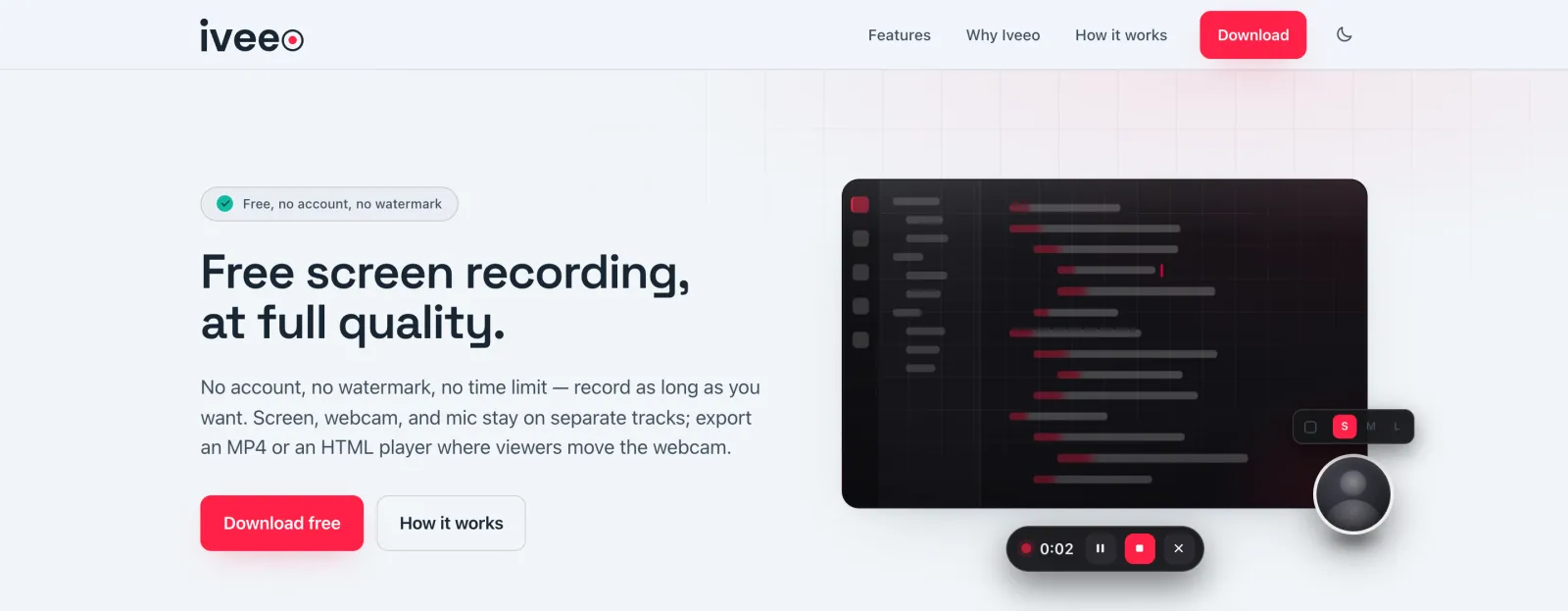
Recording your screen shouldn't come with a list of conditions.
Recording a quick demo shouldn’t require choosing a subscription. Yet every option I looked at charged something: money, features, privacy or an account. I wrote the conditions down and designed the product to remove every one of them.
- 01
Built-in tools are bare-bones
One flat clip. No webcam, no mic tuning, no choice of format. - 02
Polished tools get expensive
Length, resolution and editing sit behind a subscription. - 03
Free tiers have strings attached
Five-minute caps, watermarks, video counts, 720p ceilings. - 04
Account before you can record
Sign-up, email, sometimes a whole workspace, before the first frame. - 05
Your recording lives on their cloud
Every clip is uploaded, and you get a link back. - 06
Output is locked to their player
Proprietary formats tie the clip to one app.
Nothing is combined until you export.
Most recorders merge everything into pixels the moment you press stop. Iveeo records screen and mic with one recorder and the webcam with a second, both streaming to disk in chunks so a long take never builds up a multi-gigabyte file in memory. The cursor is sampled 30 times a second and saved as data.
Every recording is a session folder: screen.webm, webcam.webm, cursor.json and a project.json. Editing happens on that folder. The webcam stays a layer you can move, resize or drop, and the cursor stays a path you can smooth, spotlight or zoom on.
Keeping tracks separate is the product decision. Every feature that came later depends on it.
One recording, two ways out.
MP4 is the safe default: the webcam is baked in and the file plays anywhere.
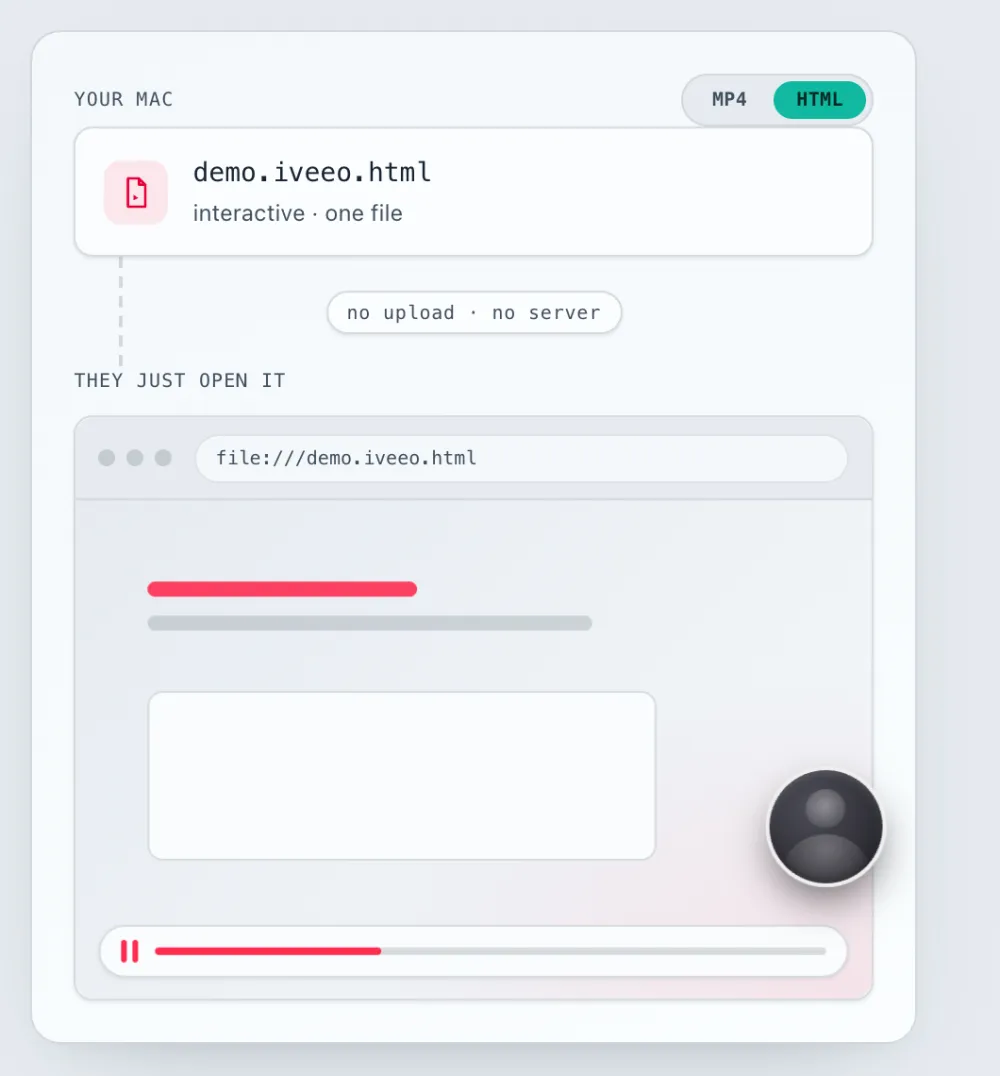
HTML is the new format. It’s one self-contained file that opens in any browser, with the webcam still its own layer. The viewer can drag and resize it so it doesn’t cover what they need to see.
Both are single files on your disk, with no upload, no server and no share link that stops working.
From a recorder to an editor, without breaking the promise.
v0.2 shipped as a recorder. The next two months turned it into an editor, and the separate tracks made that possible without re-recording anything. Every edit is stored as data in project.json and applied only at export, so you can change a zoom, a backdrop or a cut next month and export again.
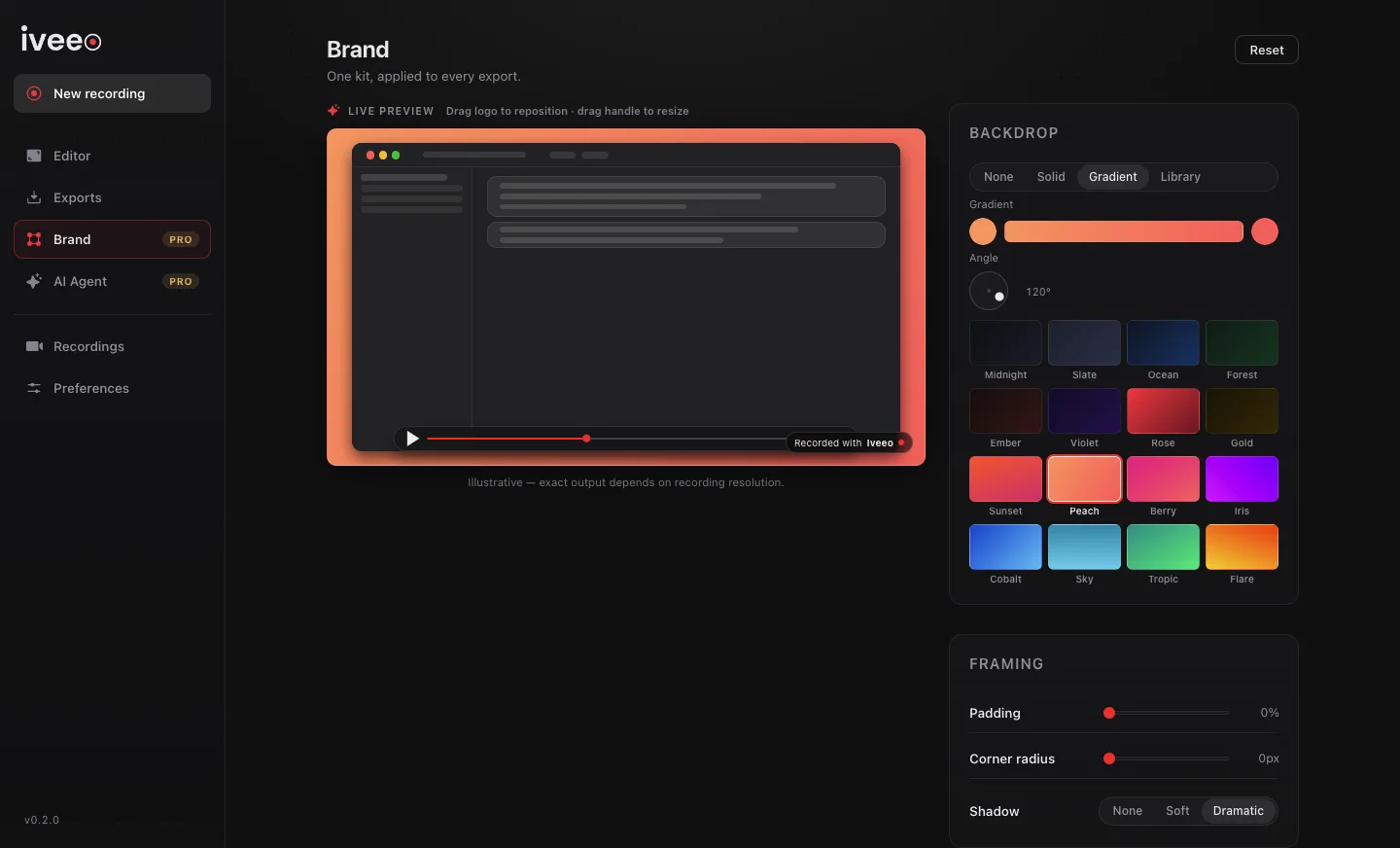
The brand kit is one set of settings applied to every export: backdrop, padding, corner radius, shadow and logo, with presets and per-recording overrides. It styles the MP4 and the HTML player with the same values.
Stories sit above recordings. A Story references several takes and puts them all on one timeline, so you edit across recordings and export a single joined video. The first version opened one recording at a time. I rebuilt it so every take in a Story sits on the same timeline and exports as one video.
Zoom where the work is, not where the cursor stops.
Auto-zoom reads the cursor track and suggests zoom moments you can keep, move or delete. The first heuristic zoomed wherever the cursor lingered. In practice that meant zooming on a mouse left still while someone talked, which added movement without adding meaning.
The rewrite looks at how the cursor moves. A zoom lands where deliberate travel comes to rest, or where small, sustained movement shows someone working in one place. A parked cursor never triggers one, trailing idle time is trimmed, and nearby moments merge.
Two rules are fixed in code because they protect the viewer: every generated zoom eases in and out over one second and lasts at least five seconds. Fast, short zooms are what make screen recordings uncomfortable to watch.
- SignalCursor travel that settles, or steady work in one place. Never a parked cursor
- Easing1s in, 1s out on every generated zoom
- Minimum hold5s, so the frame doesn't jump around
- ControlSuggestions only: each moment can be moved, resized or removed on the timeline
Charge for producing, never for recording.
The first Pro model gated features one by one: auto-zoom locked, brand kit locked, Stories locked. That put a lock in front of people before they could see what a feature would do for their video.
I replaced it with one gate, at export. The whole editor is open to everyone to try and preview. A raw capture with trims, cuts and chapters still exports free, at full resolution, with no watermark. Only an export that carries editing layers (zoom, brand, splash, text, redaction, retiming or an audio mix) asks for Pro, and it offers “Export raw instead” as the free way out.
Free records and trims. Pro produces. The free export is never downgraded to push an upgrade.
That last promise is protected by a test: it fails if the free export quality ever ends up behind a gate. Pro is still in development and isn’t on sale yet.
I built on-device AI, then cut it.
The first AI feature ran fully on the device: a 4B-parameter model that turned chat requests like “remove the silences and zoom on every click” into editor actions. It worked, but on typical hardware it was slow and unreliable at exactly what mattered, like picking the right timestamps across several steps. It also needed a 2.5 GB download.
So I removed it. AI now runs in the cloud through a small proxy that holds the API key, since a key shipped inside an Electron app can be extracted. In the app, the AI Agent appears as a preview: Free and Pro users get two real runs on a sample recording to see the plan it produces before deciding to pay.
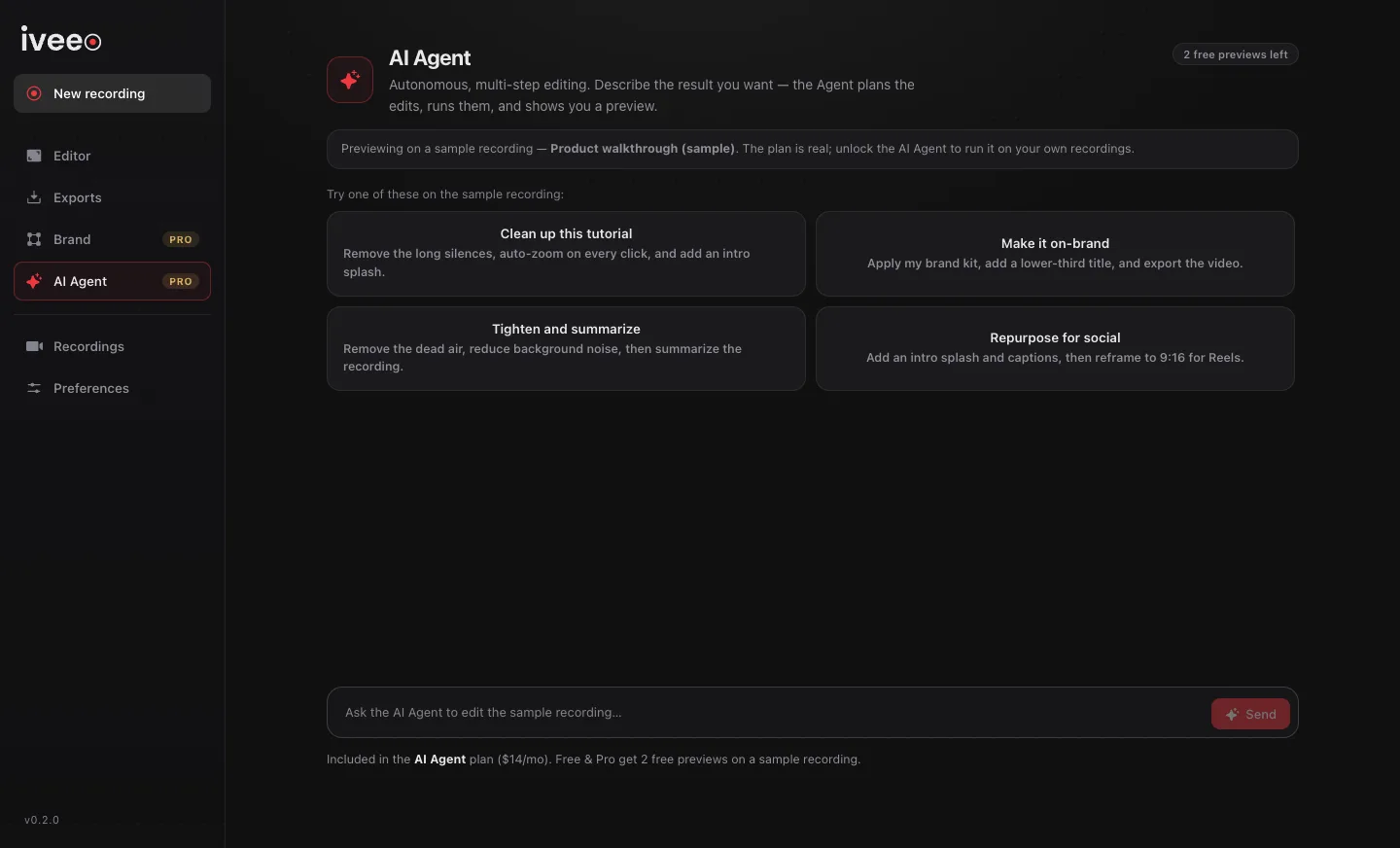
The AI Agent is in development and not public yet.
Free, because it runs on your machine.
“Free, no watermark” is only a promise if it costs nothing to keep. Every export renders locally, so there’s no cloud bill behind it. I also picked codecs so that no licensing fees come up later:
- RecordingRoyalty-free VP9 + Opus WebM. Standard files you own.
- macOS exportH.264/HEVC through Apple's VideoToolbox hardware encoder, which relies on codecs Apple has already licensed
- Windows / LinuxVP9 + Opus, the same royalty-free path
- ToolingA bundled LGPL FFmpeg, so there's nothing else to install and the app can be redistributed commercially
Small details that make it feel finished.
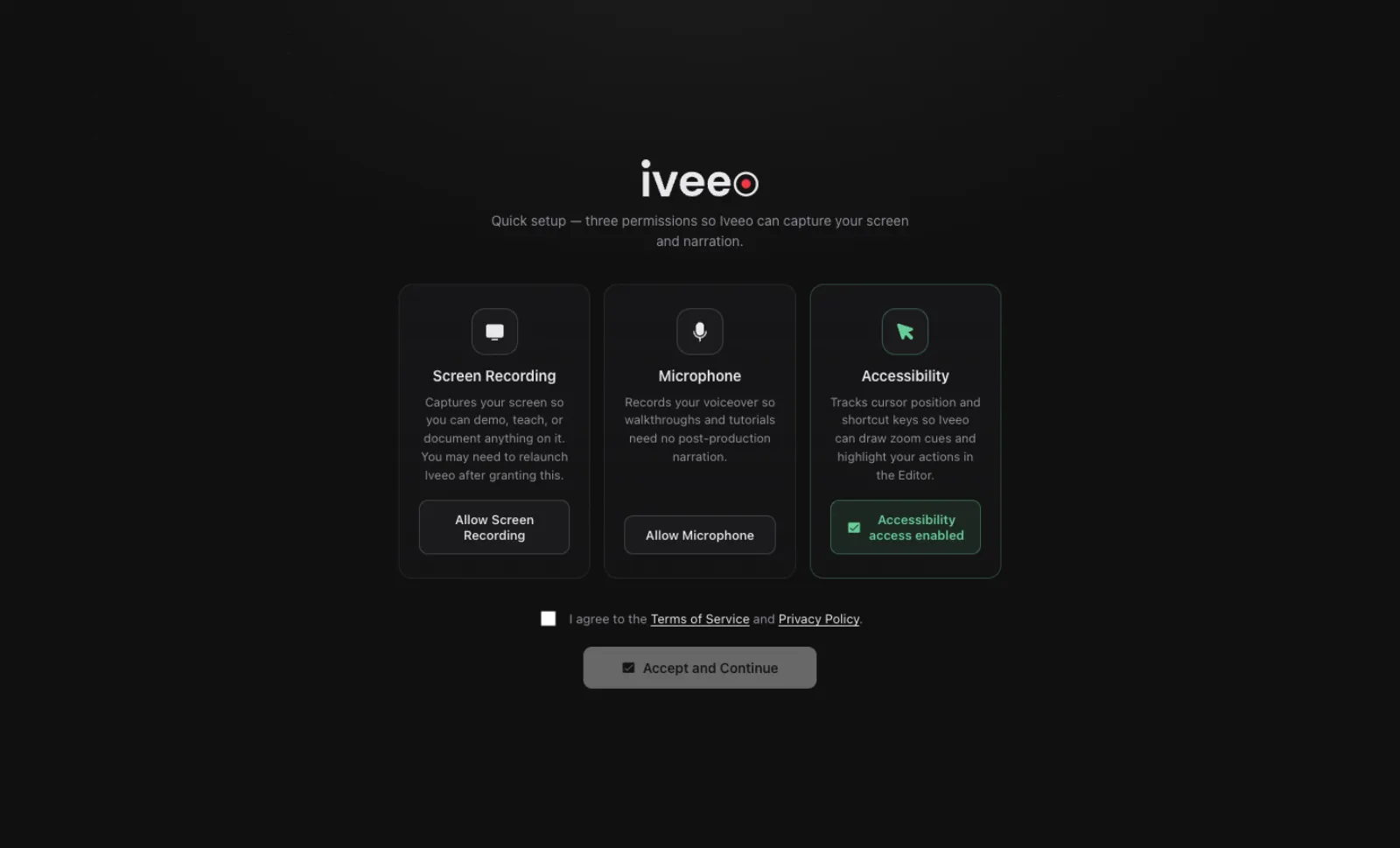
Honest first run. macOS won’t let an app grant itself Screen Recording access, and the permission only takes effect after a relaunch. Onboarding walks through Screen Recording, Microphone and Accessibility one at a time, detects each grant automatically and explains why a relaunch is needed.
A toolbar that’s never in the shot. The floating Pause / Stop / Restart / Discard bar stays on top but is excluded from capture, and ⌘⇧S works from anywhere.
Hear it before you ship it. Mic noise reduction runs live, so you hear the result before exporting.
A project is a file. A .iveeo file holds the recording and every edit, so you can move it to another machine or keep it as a backup.
Still free to record, now with an editor on top.
- Accounts required
- 0
- Watermarks, any plan
- 0
- Automated tests
- 800+
- Commits in 3 months
- 118